1
Building a long feature list before validating the highest-value workflow and the people who must use it.
Loading Syncognix
Loading Syncognix
Windows, macOS, and cross-platform desktop applications for workflows that browsers can't handle.
Windows, macOS, and cross-platform desktop applications for workflows that browsers can't handle.
The goal is not simply to complete a list of tasks. It is to remove a specific operational or customer constraint, prove the result, and leave clear ownership after delivery.

One accountable team connecting the decisions, quality checks, and handoff required for a durable result.
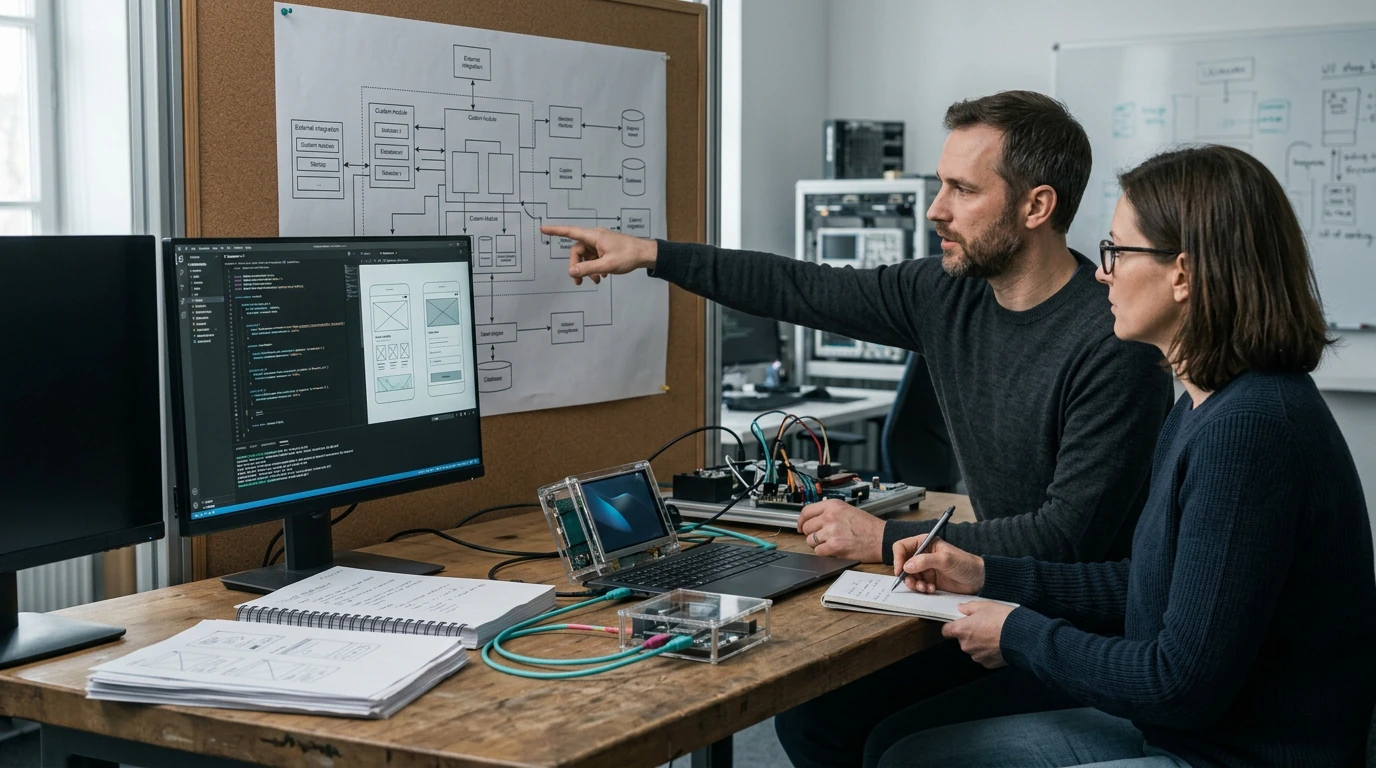
Some work still belongs on the desktop: heavy files, offline sites, hardware integration, point-of-sale. We build modern desktop software that installs cleanly, updates itself, and doesn't feel like it's from 2009.
The business is forced around rigid software, spreadsheets, or disconnected tools instead of a deliberate operating model.
Requirements exist as assumptions rather than testable workflows, acceptance criteria, and system boundaries.
Shortcuts in architecture, data, testing, or release engineering make every later change slower and riskier.
We connect diagnosis, scope, execution, validation, and operational ownership. The package changes the depth and scale—not the discipline of the delivery system.
We confirm the desired outcome, users, current state, dependencies, risks, and evidence of success before prescribing desktop software development.
We translate uX design for desktop-grade workflows and native or Electron/Tauri development into visible decisions, responsibilities, milestones, and review criteria.
Delivery moves through reviewable increments with quality checks, exception handling, and stakeholder decisions recorded before they become rework.
We complete crash reporting and diagnostics, confirm handoff and escalation paths, and leave a practical measurement and improvement plan.
Every tier keeps the core controls below. Package level changes the volume, depth, complexity, or operating cadence.
UX design for desktop-grade workflows
Native or Electron/Tauri development
Auto-update infrastructure
Installer and code-signing setup
Crash reporting and diagnostics
The visible deliverable is rarely the whole system. These are the recurring gaps we design out before they become delay, rework, or risk.
Building a long feature list before validating the highest-value workflow and the people who must use it.
Choosing technology for novelty or familiarity without considering operations, security, scale, and team ownership.
Delaying QA, observability, documentation, and deployment design until the system is nearly complete.
Our advantage is not a claim that trade-offs disappear. It is the ability to connect the decisions other providers often split apart, make quality visible, and leave ownership clear.
We turn business rules into visible workflows, architecture decisions, milestones, and acceptance tests.
Product, engineering, QA, security, and release concerns stay connected throughout delivery.
Every milestone produces reviewable evidence, reducing the risk of a large surprise at the end.
Scope advantage: The scope makes uX design for desktop-grade workflows explicit, then connects it to native or Electron/Tauri development; those dependencies are less likely to disappear between separate vendors.
Final targets are set during alignment, using a baseline, a named owner, and a realistic measurement window. Typical measures include:
Workflow cycle time and error rate
Adoption and task completion
Release quality and operational reliability
Utility
Secure USD checkout powered by Stripe. By continuing, you agree to our Terms, Refund & Cancellation Policy, and Delivery Policy. Charges appear as SYNCOGNIX.
Professional
Secure USD checkout powered by Stripe. By continuing, you agree to our Terms, Refund & Cancellation Policy, and Delivery Policy. Charges appear as SYNCOGNIX.
Industrial
starting scope — final quote after discovery
Secure USD checkout powered by Stripe. By continuing, you agree to our Terms, Refund & Cancellation Policy, and Delivery Policy. Charges appear as SYNCOGNIX.
Not sure which package fits? Build a guided project brief. We will use your goal, current stage, timing, and investment range to recommend the right package or a strategy session.
Electron/Tauri when you want web-speed development and cross-platform reach; native when performance or deep OS integration demands it. We'll recommend based on the workload.
Yes — Windows signing and Apple notarization are included, so your software installs without scary warnings.
Usually. Bring the device documentation to the consultation and we'll confirm feasibility before you commit.